Explained
How a graphics card works.
How a graphics card works
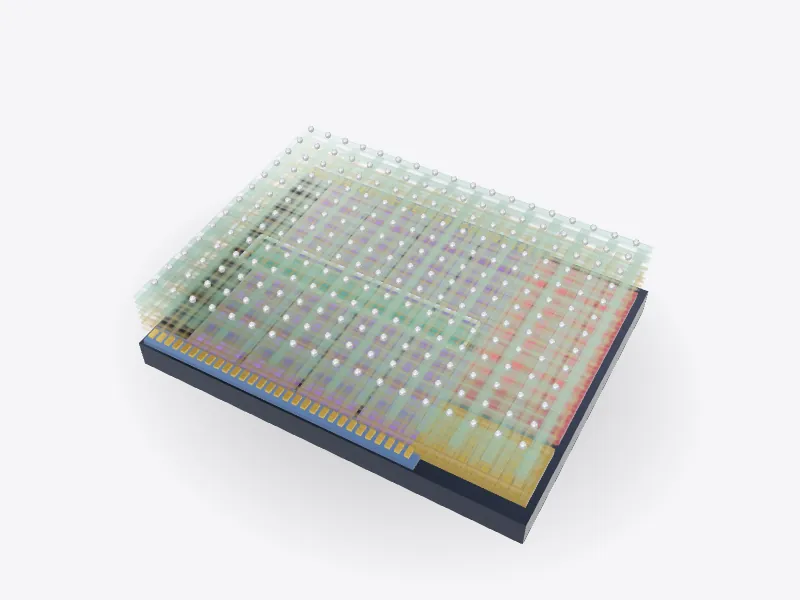
A graphics card is a self-contained computer that plugs into a PCI Express slot. At its heart is the GPU, a processor built around thousands of small, simple cores. Where a CPU has a few powerful cores that each work through a single stream of instructions quickly, a GPU runs the same small program on huge numbers of pixels, vertices or numbers at once. Drawing a frame of a game is exactly that kind of job: millions of pixels, each needing similar maths.
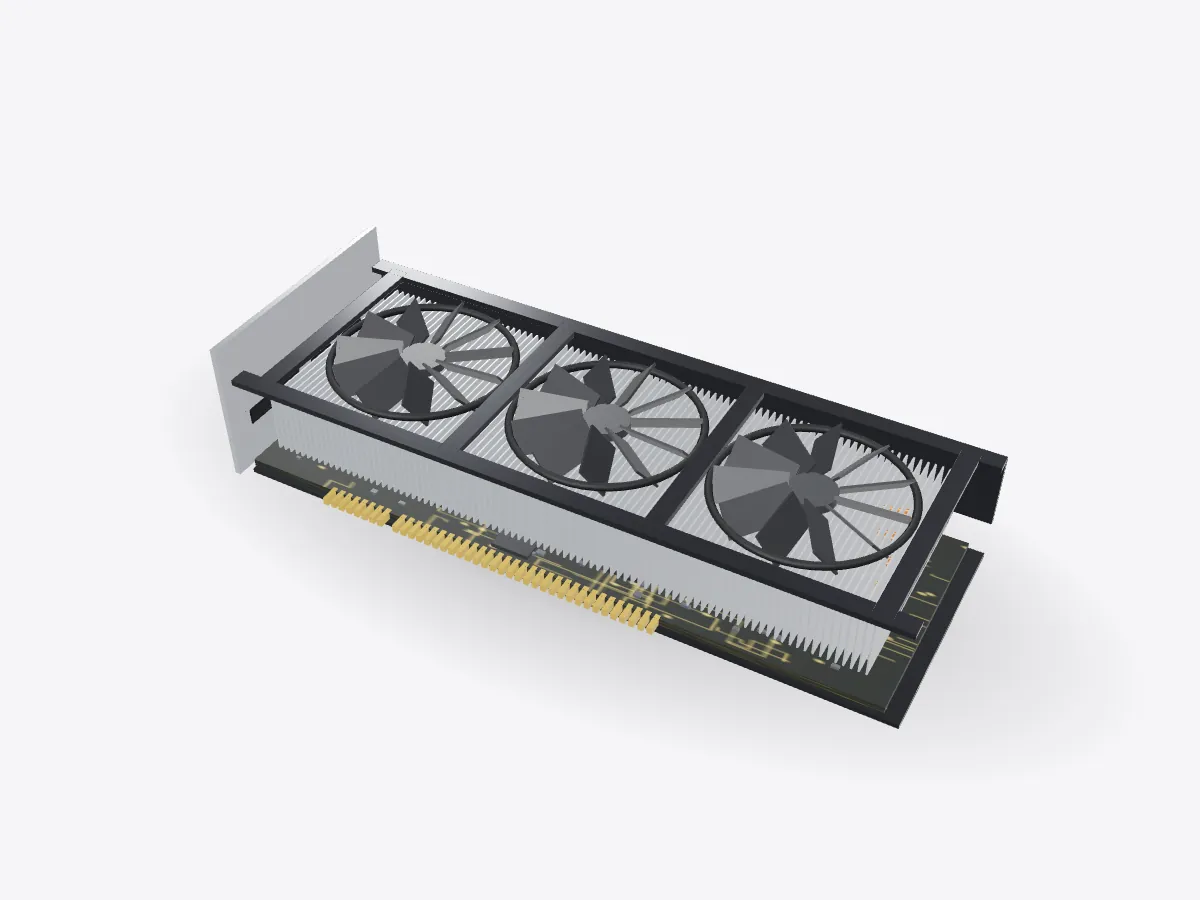
That same parallel design is why GPUs are used for scientific computing and training neural networks, which come down to multiplying very large grids of numbers. This model is a generic card with no brand markings.
Memory and power
Around the GPU sit the video memory chips. They hold the textures, geometry and finished frames, and the GPU reads and writes them constantly, so the most important figure is bandwidth: how many gigabytes can move per second. The memory is placed as close as possible to the chip, with short, carefully matched traces on the board.
On one side of the card is a row of power stages. They take 12-volt power from the computer's power supply and convert it into the low voltage the GPU runs at, delivering very large currents that change in microseconds. The slot itself can only provide up to 75 watts, so powerful cards add one or more extra power connectors.
Getting the heat out
Almost all of that power ends up as heat. A copper cold plate sits on the GPU, and heat pipes carry the heat out to a large stack of thin aluminium fins. Inside each heat pipe, liquid boils at the hot end and condenses at the cool end, moving heat quickly with no moving parts. Fans then push air through the fins, and the shroud guides the flow.
At idle many cards stop their fans entirely. Under heavy load the fans speed up and the chip runs warmer. Open Play and use Load to move from desktop work to a game to AI training and watch the fans respond. The temperature and wattage numbers are illustrative, not measurements.
Parts glossary
- Shroud
- The plastic or metal shroud directs the fans' airflow through the heatsink.
- Fans
- Axial fans push air down through the fins. Many stop completely when the card is idle.
- Heatsink fins
- Thin aluminium fins give the heat a large surface area to pass into the air.
- Heat pipes
- Copper heat pipes carry heat from the cold plate over the chip out to the far ends of the fin stack.
- GPU chip
- The graphics processor contains thousands of small cores that work in parallel on pixels, triangles or blocks of numbers. Fun fact: A GPU's many simple cores make it ideal for tasks that split into lots of identical small jobs, like graphics or training neural networks.
- Video memory
- Fast GDDR memory chips around the GPU hold textures, frame buffers and models. Bandwidth matters more than anything here.
- Power stages
- Voltage regulators convert 12-volt input power into the low voltage and very high current the GPU needs.
- Circuit board
- A multi-layer board routes thousands of signals and power planes between the parts.
- Power connector
- Extra power comes from the power supply through this connector, because the slot alone isn't enough. Fun fact: A PCI Express x16 slot can supply up to 75 watts, far less than a high-end graphics card uses.
- PCIe connector
- Gold fingers plug into the motherboard's PCI Express slot for data and some power.
- I/O bracket
- The metal bracket screws to the case and carries the display outputs.
- Backplate
- A metal plate stiffens the board so the heavy cooler doesn't bend it, and can help spread heat.